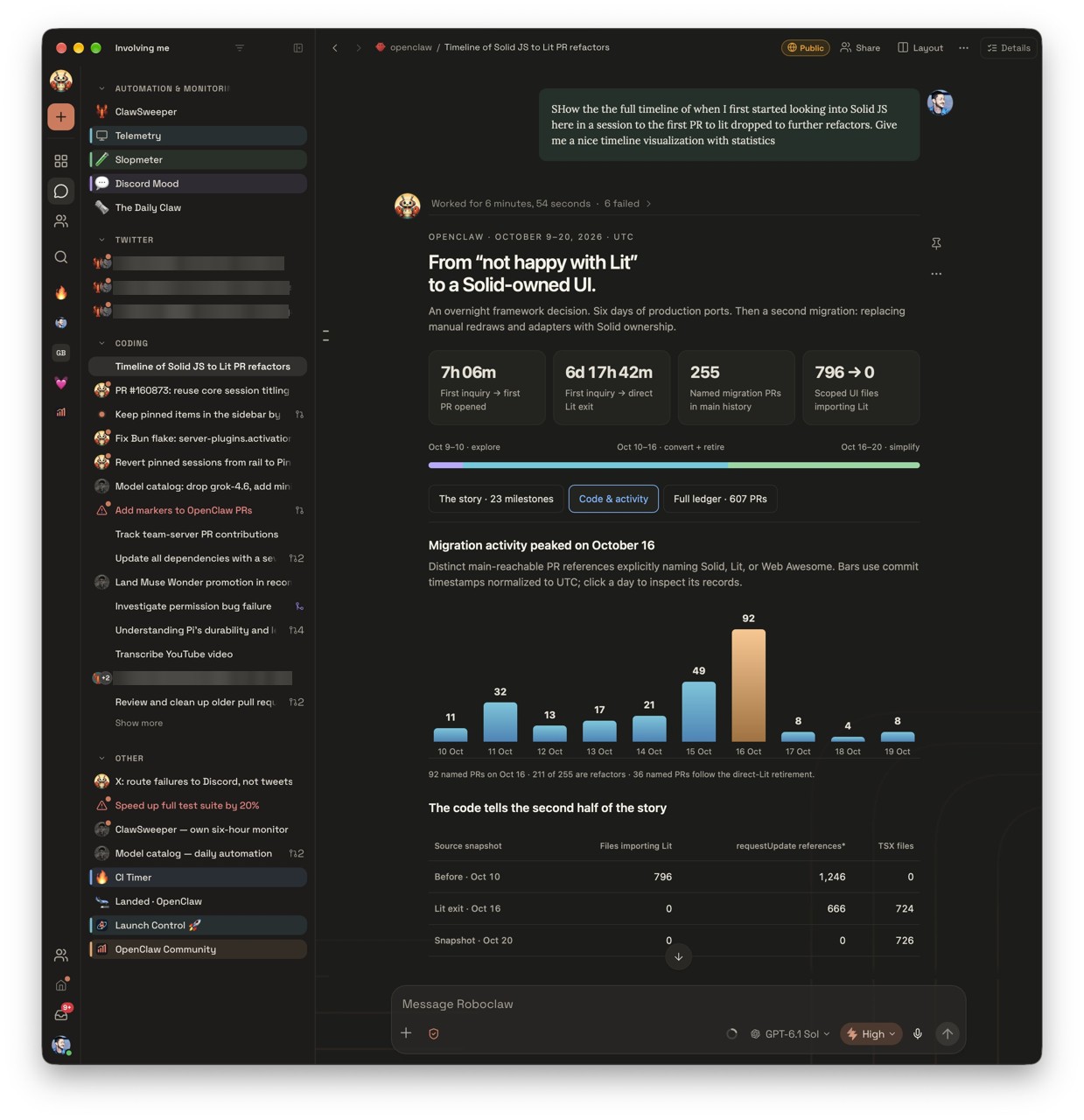
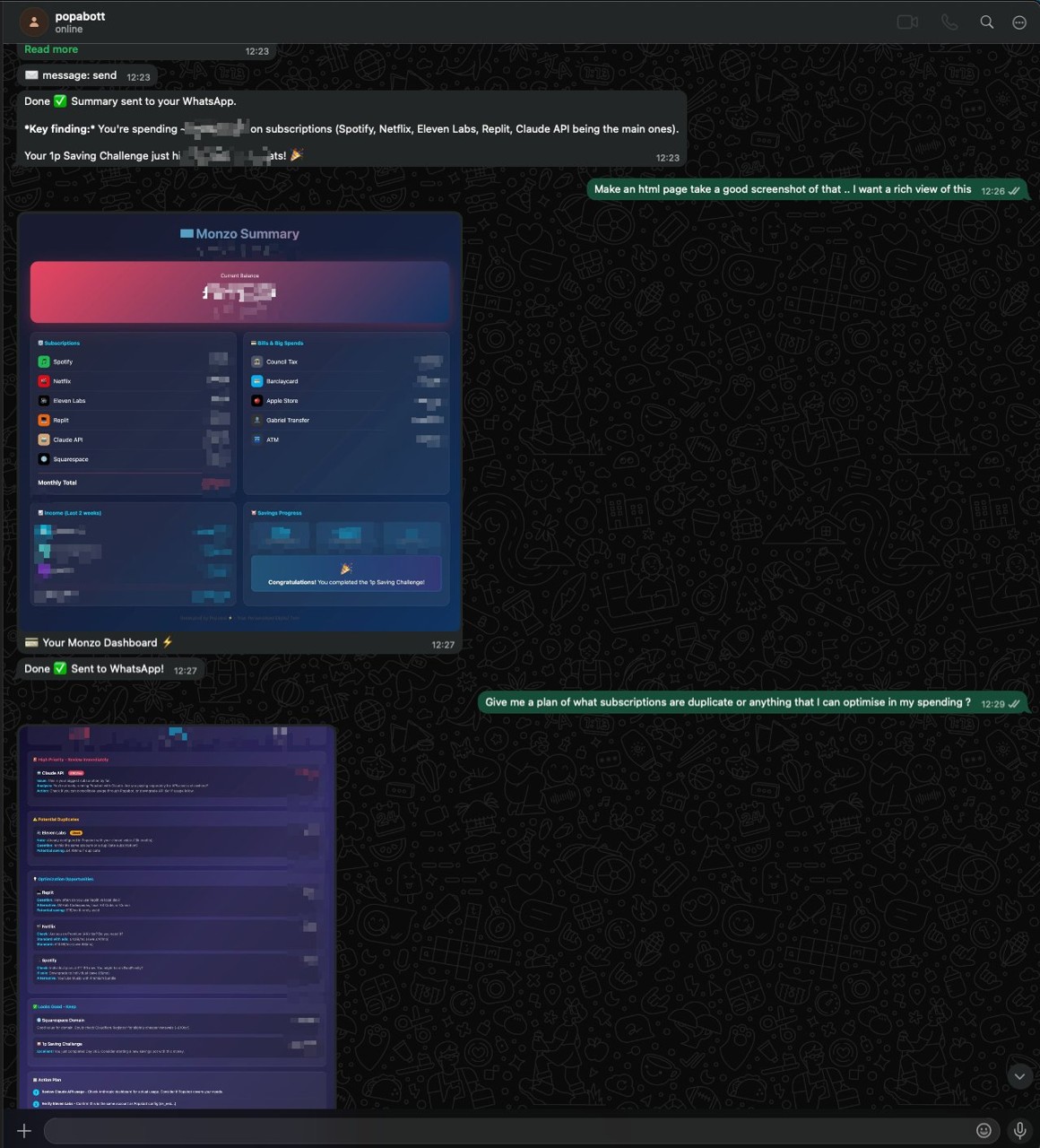
Screenshots with sensitive data: blurred for safe sharing
What it does
OpenClaw reviews your screenshots to identify sensitive financial and personal information, then generates blur commands using ImageMagick. You run the commands to redact the sensitive details. The blurred screenshots are safe to share with teams, in posts, or in public documentation without accidental exposure of private data.
Why it is worth it
Manually reviewing and redacting sensitive information in screenshots is tedious and risky, with easy opportunities to miss something. Automating the identification and redaction saves time on each batch and eliminates the risk of accidentally publishing financial figures, names, or personal details when sharing work.